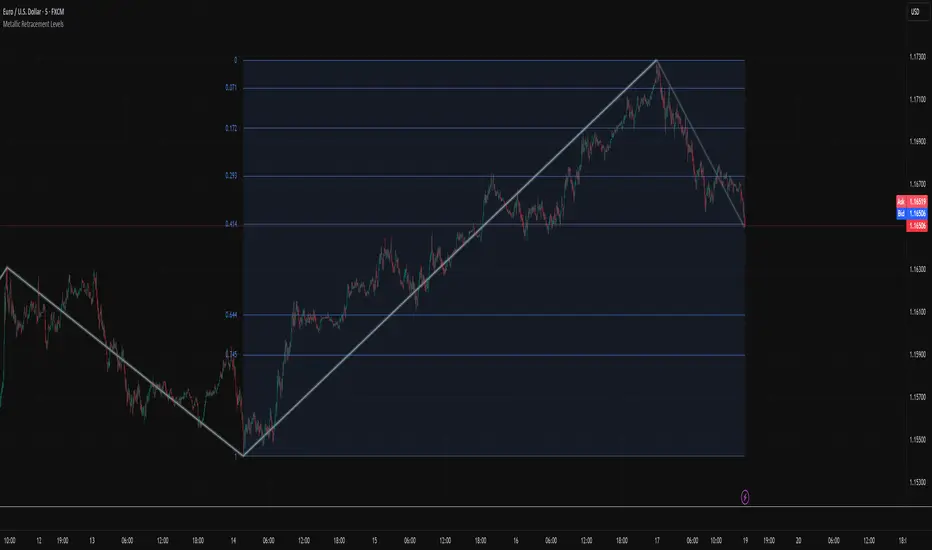
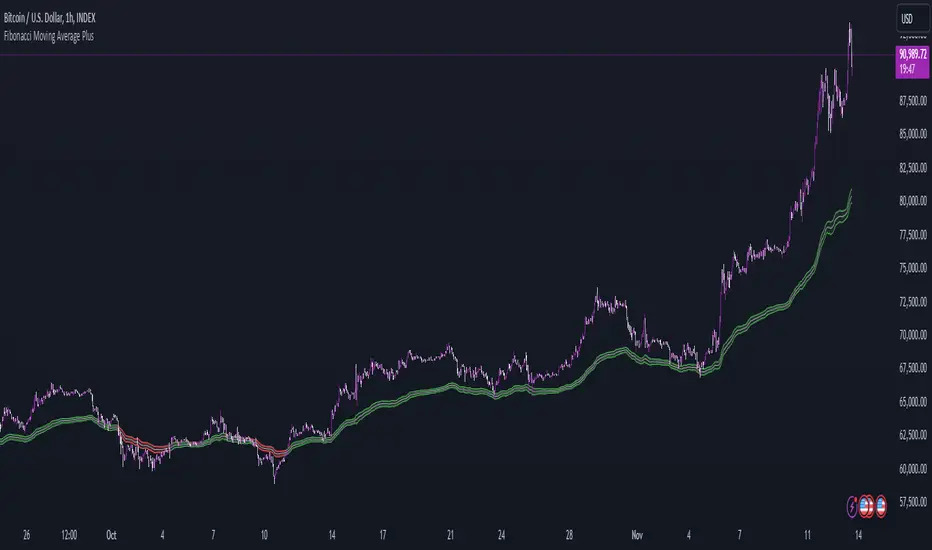
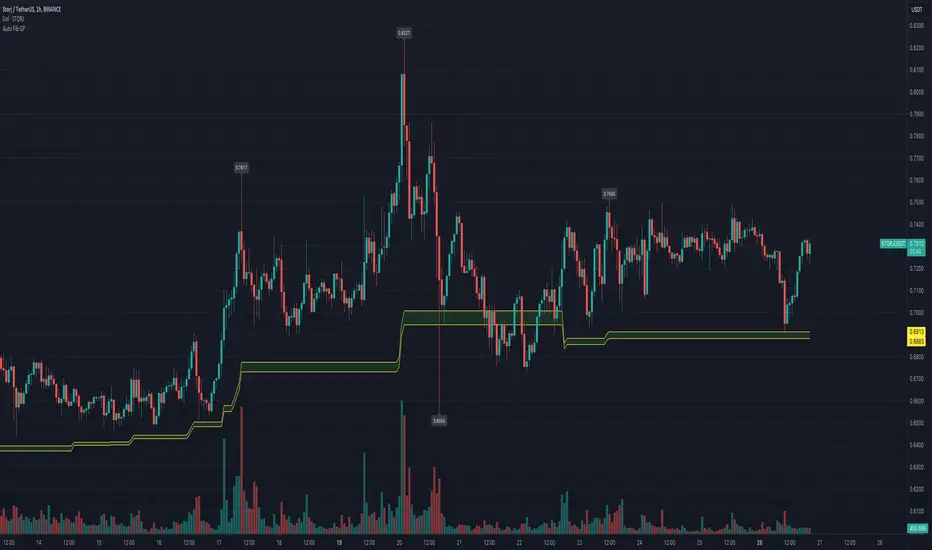
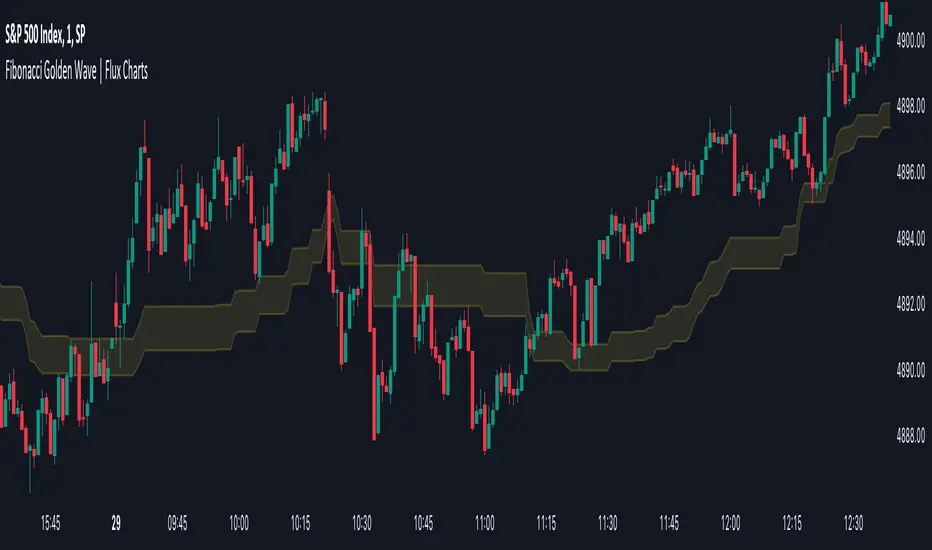
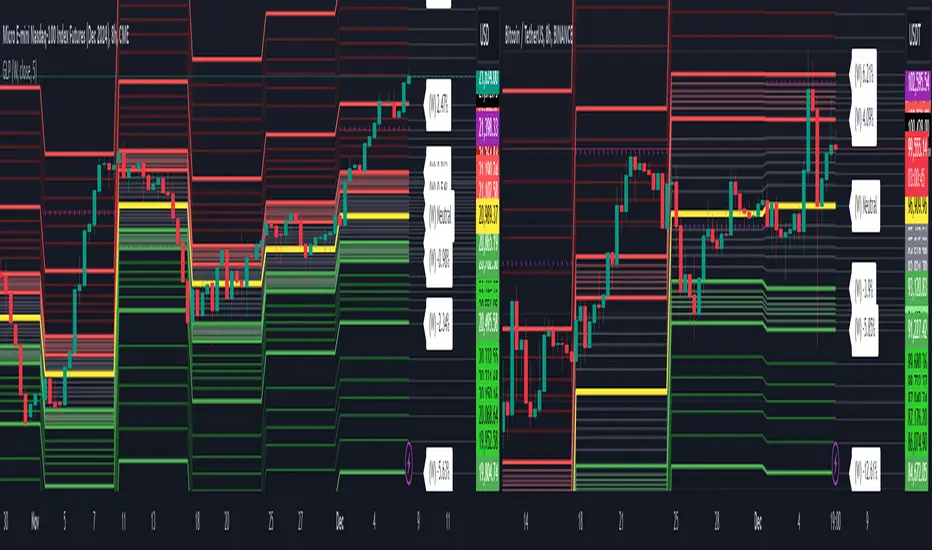
RSI Fibonacci Analysis [UAlgo]RSI Fibonacci Analysis is an oscillator based Fibonacci mapping tool that projects Fibonacci ratios directly onto RSI swings instead of price swings. The script identifies meaningful pivot highs and pivot lows on RSI, draws a Fibonacci ladder between the most recent alternating swing pair, and then enriches each level with historical retest statistics. This approach aims to answer a practical question: when RSI transitions from one swing extreme to the next, which retracement ratios tend to attract RSI retests most often.
The indicator is built for clarity and repeatability. Swing points are detected using a pivot depth setting that confirms highs and lows only after a defined number of bars, reducing noise. A minimum bar gap filter ensures that the Fibonacci anchor points are not too close together. Once a new swing is confirmed, the script draws a connector line between anchors and plots the Fibonacci levels as horizontal lines across the swing window.
The distinguishing feature is the integrated statistics engine. Over a configurable lookback of past swing sequences, the script measures how often RSI retests each Fibonacci ratio within a tolerance band. It tracks bullish and bearish swing sequences separately, then shows level strength both on chart labels and in a compact dashboard table. The result is an RSI Fibonacci tool that is not only visual but also descriptive of historical behavior.
🔹 Features
1) RSI Centered Fibonacci Projection
Instead of projecting Fibonacci levels on price, the script projects Fibonacci ratios across RSI swing ranges. This can be useful for traders who treat RSI as a structure tool, where oscillator retracements and reactions often precede or confirm price continuation.
2) Pivot Based Swing Detection with Adjustable Depth
Swing highs and swing lows are detected on RSI using pivot logic. Swing Depth controls how many bars are required to confirm a pivot. Higher depth creates fewer swings and stronger anchors. Lower depth reacts faster but may produce more frequent levels.
3) Minimum Bar Gap Filter for Cleaner Anchors
A minimum distance in bars is enforced between the swing anchors used to draw the current Fibonacci. This avoids drawing ladders on very small micro swings and keeps levels meaningful.
4) Customizable Fibonacci Level Set
The script uses a standard Fibonacci set:
0, 0.236, 0.382, 0.5, 0.618, 0.786, 1
Each level is drawn as a horizontal line between the start and end swing timestamps, with an optional thickness adjustment based on statistical strength.
5) Level Strength Statistics with Bull and Bear Separation
A built in statistics engine scans historical swing triplets to identify valid zig zag sequences and measures whether the third swing retests near a Fibonacci ratio. Hits are counted separately for bullish swing ranges and bearish swing ranges, producing direction specific behavior profiles.
If enabled, the script appends a percent value to each level label, showing how often that level was retested relative to all counted hits for that direction.
6) Strength Weighted Line Thickness
When statistics are enabled, the script increases the line width of a Fibonacci level when it represents a larger share of total hits. This provides an at a glance read of which levels historically attract more retests.
7) RSI Gradient Coloring and Context Lines
The RSI plot uses a gradient scheme:
Above 50, the gradient shifts toward green as RSI approaches higher values
Below 50, the gradient shifts toward red as RSI approaches lower values
Overbought and oversold reference lines at 70 and 30 are also plotted for context.
8) Dashboard with Directional Hit Breakdown
A table dashboard can be displayed in a selectable corner of the chart. It lists each Fibonacci level along with:
Bull hits and bull percentage
Bear hits and bear percentage
Optional row highlighting emphasizes levels that exceed a threshold share of hits on either side, making dominant ratios easier to spot.
🔹 Calculations
1) RSI Computation and Visualization
RSI is calculated on a selectable source with a selectable length:
float rsiValue = ta.rsi(rsiSource, rsiLength)
A gradient color is applied based on whether RSI is above or below 50:
color rsiGradient =
rsiValue > 50
? color.from_gradient(rsiValue, 50, 80, color.new(color.green, 50), color.green)
: color.from_gradient(rsiValue, 20, 50, color.red, color.new(color.red, 50))
plot(rsiValue, "RSI", color=rsiGradient, linewidth=2)
Context lines:
hline(70, "Overbought", color=color.new(color.gray, 50), linestyle=hline.style_dotted)
hline(30, "Oversold", color=color.new(color.gray, 50), linestyle=hline.style_dotted)
2) RSI Swing Detection Using Pivots
Swings are detected using pivot highs and pivot lows on RSI:
float ph = ta.pivothigh(rsiValue, swingDepth, swingDepth)
float pl = ta.pivotlow(rsiValue, swingDepth, swingDepth)
When a pivot is confirmed, it is stored as a Swing object with price, bar index, and direction:
if not na(ph)
allSwings.unshift(Swing.new(ph, bar_index - swingDepth, true))
if not na(pl)
allSwings.unshift(Swing.new(pl, bar_index - swingDepth, false))
The swing list is capped to prevent excessive memory growth.
3) Fibonacci Levels and Current Fib Drawing
The script draws a Fibonacci ladder between the most recent pair of alternating swings, with a minimum bar gap condition:
Swing lastSwing = allSwings.get(0)
Swing prevSwing = allSwings.get(1)
if lastSwing.isHigh != prevSwing.isHigh
if math.abs(lastSwing.barIdx - prevSwing.barIdx) >= minBarGap
Swing start = prevSwing
Swing end = lastSwing
Levels are derived from the swing range:
float diff = end.price - start.price
float levelPrice = start.price + (diff * lvl.ratio)
A connector line between anchors is also drawn for visual context.
4) Historical Retest Statistics Engine
On each new confirmed swing, the script recomputes statistics over a lookback of past swings. It iterates through swing triplets:
sStart, sEnd define the fib range
sRetest is a later swing used to test retests
A valid pattern requires alternating swing types:
bool isValidPattern =
(sStart.isHigh != sEnd.isHigh) and (sEnd.isHigh != sRetest.isHigh)
For valid triplets, it computes the fib range and tests whether the retest swing is close to any fib level. The tolerance is 5 percent of the total range:
float lvlPrice = sStart.price + (fibRange * lvl.ratio)
float dist = math.abs(sRetest.price - lvlPrice)
if dist < (math.abs(fibRange) * 0.05)
if isBullish
lvl.hitsBull += 1
else
lvl.hitsBear += 1
Interpretation:
A hit is counted when a retest swing lands within the tolerance band around a Fibonacci ratio
Hits are accumulated separately for bullish ranges and bearish ranges
5) Strength Normalization and Label Percentages
When drawing the current fib, the script computes total hits for the current direction and converts each level’s hits into a percent:
int totalHits = 0
for lvl in levels
totalHits += isBullish ? lvl.hitsBull : lvl.hitsBear
int pct = int((hits / float(totalHits)) * 100)
labelText += " (" + str.tostring(pct) + "%)"
Line width is also increased when a level’s strength exceeds thresholds:
Strength greater than 20 percent increases width
Strength greater than 30 percent increases width further
6) Dashboard Totals and Percent Columns
On the last bar, the dashboard computes totals and level percentages separately for bull and bear hits:
int totalBull = 0
int totalBear = 0
for lvl in fibLevels
totalBull += lvl.hitsBull
totalBear += lvl.hitsBear
float pctBull = totalBull > 0 ? (lvl.hitsBull / float(totalBull)) * 100 : 0
float pctBear = totalBear > 0 ? (lvl.hitsBear / float(totalBear)) * 100 : 0
These values are printed in the table. Optional highlighting can be applied when either pctBull or pctBear exceeds a threshold, helping dominant levels stand out.
Indicateur Pine Script®