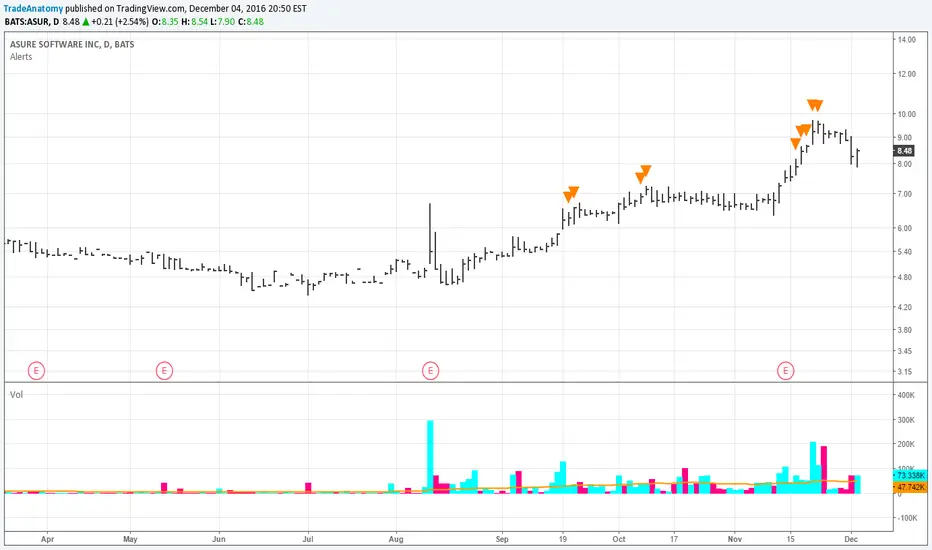
alerts++- Add up to 20 simple alerts per instance
- Each alert requires input of ticker, timeframe, over/under/either, target price
i.e. 'KUCOIN:BNB/USD', '60', 'over', '535'
- Each alert fires once per bar, so choose your timeframe wisely.
- Timeframe options: www.tradingcode.net
Caveats:
- You must manually set the alert group by clicking "add alert" and then selecting name of script, "alert++"
- If you make changes to the settings inputs, you have to delete the previous alert and add a new alert for the changes to take effect. That is, tradingview only "remembers" the state of your chart and settings at the time you set the alert (group).
Recherche dans les scripts pour "alert"


Alert on Price Close Above/BelowOverview
This indicator sends alerts when a candle closes above or below a user-defined price level on a chosen timeframe. Unlike standard price alerts that can trigger mid-candle, this script confirms on bar close, making it more reliable for breakout/breakdown use cases.
How it works
- Select the evaluation timeframe (e.g., 15m, 1H, 4H).
- Set a Primary Level and choose the direction (Above or Below).
- Optionally enable a Secondary Level with its own direction.
- The alert triggers only when the chosen timeframe’s candle closes beyond your level(s).
- Dynamic alert messages include the timeframe and can optionally include the exact closing price.
Alert message style
1. Dynamic alerts (when you choose “Any alert() function call”) use this format:
{TF} {TICKER} Close Above {Price}
{TF} {TICKER} Close Below {Price}
2. With “Show exact close price” enabled, messages append the actual close:
{TF} {TICKER} Close Above {Price} (Close={ActualClose})
Setup steps
1. Add the indicator to your chart on the symbol/timeframe you want to monitor.
2. Open the settings:
- Set “Evaluate On Timeframe” (this is the timeframe used to confirm closes).
- Choose “Primary Direction” (Above/Below) and enter the “Primary Level.”
- Optional: enable and configure the Secondary Level (direction + price).
3. Create a TradingView alert:
- Click the Alert button in the top toolbar.
- In “Condition,” pick this indicator and select “Any alert() function call” to receive dynamic messages.
- In “Interval,” select the timeframe same as the indicator.
- Optional: rename the alert for clarity.
4. Save. You’ll receive alerts when conditions are met.
Examples
4H BTCUSDT Close Above 100000
1H ETHUSDT Close Below 4000 (Close=3900)

Alert Creation Framework - PineCoders FAQThis script provides a framework to add alerts to a script.
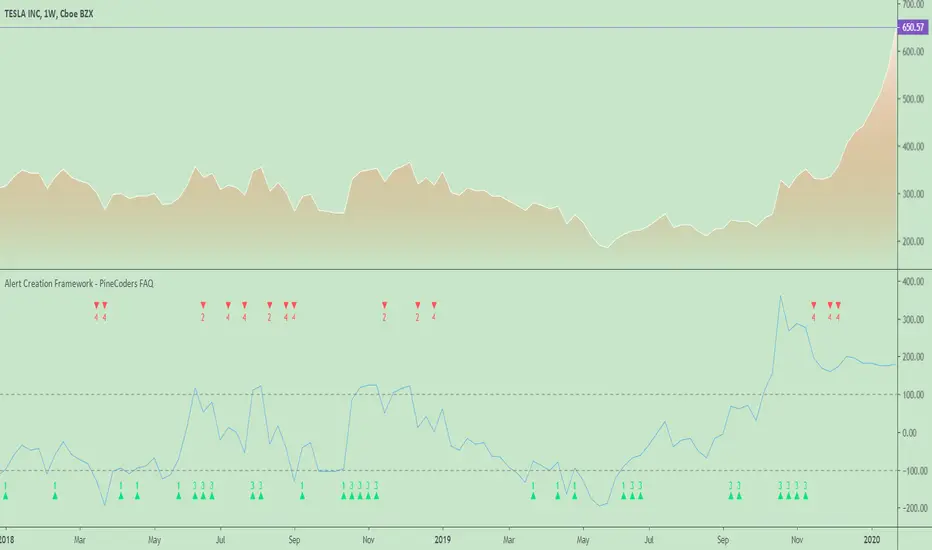
It uses a method and provides code that:
— Allows the indicator's users to select the plotting of markers representing the different conditions used to trigger alerts.
— Allows filtering of the markers on direction: both, longs only, shorts only.
— Uses a single alert for the indicator. It will trigger on any number of marker conditions selected by the user when the alert is configured. The user can thus create the combination that suits his needs.
— Includes the marker's number in the alert's message.
NOTES
— Alerts should usually be configured to trigger Once Per Bar Close to prevent false signals.
— See the Pine User Manual page on alerts .
— This code uses the Pine Script Coding Conventions .
Look first. Then leap.
Previous Days High & Low With AlertsAlerts: The updated script includes alerts for when the current price touches either the previous day's high (PDH) or low (PDL). This allows traders to receive notifications when these levels are breached.
Observing PDH/PDL: The script will display a single horizontal line representing both the Previous Day High (PDH) and Previous Day Low (PDL) from yesterday on the chart.
Alert Notifications: If you enabled alerts (by setting the "Enable Alerts" input to "true"), the script will trigger alerts when the current price action touches either the PDH or PDL.

Alerts and symbolswhat is "Alerts and symbols"?
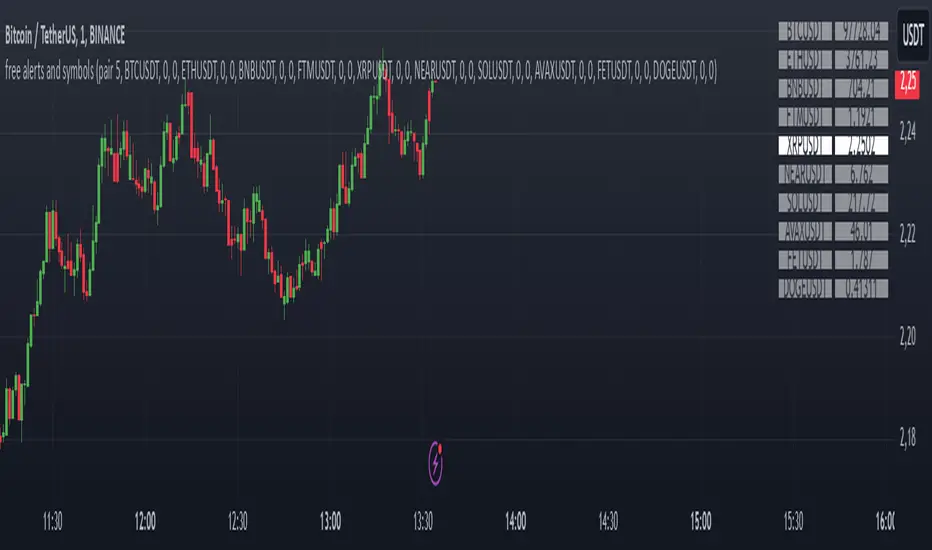
It is an indicator that allows you to watch more trading pairs and add alarms to them.
what it does?
It allows you to set a total of 20 different intersection alarms, 2 in each pair, for 10 different trading pairs at the same time.
It draws the candlestick chart of a pair you choose among 10 trading pairs and the alarm lines you created for this trading pair on the chart.
It also allows you to see the prices of 10 different trading pairs at the same time, thanks to the table it creates.
how to use it?
First, select the alarm pairs you want to use, for example, BTCUSDT pair is the default value for "pair 1". You can choose 10 different trading pairs as you wish. Just below each trading pair, there are two different sections titled "line 1" and "line 2" so that you can set an alarm. Type here the price levels at which you want to be alerted in case of a price crossover.
You can use the "candle source" section to examine the candlestick charts of trading pairs. The indicator draws the candle chart of the trading pair selected in the "candle source" section.
Check the "show alert lines on chart" box to see the levels you have set an alarm for.
When everything is ready, first click on the three dots next to the indicator's name and then on the clock icon. then create an alarm and that's it.
ALERTE NEILUJ STRATMême code que la version scalping mais permet de créer des alertes d'achat / vente sur l'app/mail/notifications.

[Alerts]QQE Cross v6.0 by JustUncleLDescription:
This is a major upgrade of my original QQE indicator Tool, this version is directed at Forex and Crypto Margin trading. This version can also be used with AutoView/ProfitView Chrome add-on in a semi-automatic (turn on only when conditions are favorable) or automatic way, with Signal to Signal or Signal to Close trading.
This is a Trend following indicator that uses fast QQE crosses to capture swings in direction of the main Trend. Alerts are filtered with Two Moving Average Ribbons and/or Direction of MAs. The QQE or Qualitative Quantitative Estimation is based on the relative strength index (RSI), but uses a smoothing technique as an additional transformation. Three crosses can be selected (all selected by default):
Smooth RSI signal crossing ZERO (XZ)
Smooth RSI signal crossing Fast QQE line (XQ), this is like an early warning swing signal.
Smooth RSI signal exiting the RSI Threshhold Channel (XC), this is like a confirmed swing signal. An optimal Smooth RSI threshold level is between 5% and 10% (default=10), it helps reduce the false swings.
These signals can be selected to Open Short/Long and/or Close a trade, default is XC open trade and XQ (or opposite open) to Close trade.
The (LONG/SHORT) alerts can be optionally filtered by the Moving Average Ribbons:
For LONG alert the Close must be above the fast MA Ribbon and fast MA Ribbon must be above the slow MA Ribbon.
For SHORT alert the Close must be below the fast MA Ribbon and fast MA Ribbon must be below the slow MA Ribbon.
and/or directional filter:
For LONG alert the Close must be above the medium MA and the directional of both MA ribbons must be Bullish.
For SELL alert the Close must be below the medium MA and the directional of both MA ribbons must be Bearish.
This indicator is designed to be used as a Signal to Signal trading BOT in automatic or semi-automatic way (start and stop when conditions are suitable).
For LONG and SHORT alerts I recommend you use "Once per Bar" alarm option
For CLOSE alerts I recommend you use "Once per Bar Close" alarm option
(* The script has been designed so that long/short signals come at start of candles *)
(* and close signals come at the end of candles *)

Autoview/Profit Trailer AlertsAlert Script for use with Autoview/Profit Trailer Scalping Strategy. Specifically intended for use with Autoview + Profit Trailer. Only contains usable Buy alerts.
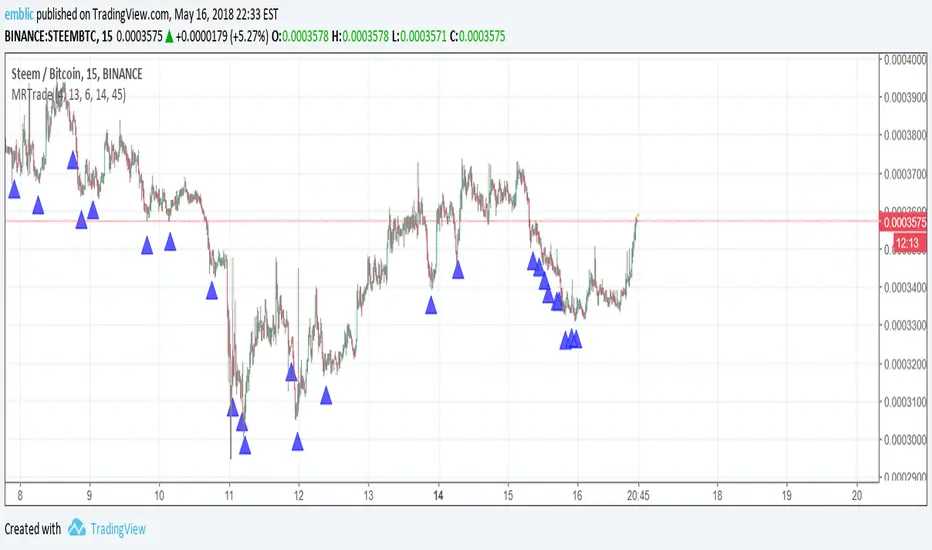
Alerta MPBAgora você consegue ser avisado com o Alerta do indicador MPB BINANCE:BTCUSDT
Facil configurar:
1 - Escolha a moeda/par que deseja receber o alerta!
3 - Selecione o tempo grafico de M1 ( 1 minuto)
3 - Va na aba alerta do TV e selecione " alerta" e clique no sinal de "+" ( mais)
4 - Para alerta de COMPRA :
selecione em condição "alerta MPB" --> alerta de compra --> opções: uma vez por barra no fechamento do preço
5 - Para alerta de VENDA :
selecione em condição "alerta MPB" --> alerta de venda --> opções: uma vez por barra no fechamento do preço
6 - Tempo de expiração: escolha em aberto assim o alerta não para e será acionado sempre que o indicador funcionar
7 - Selecione as opções do alerta de sua preferência.
Pronto seu alerta do indicador MPB está configurado!
Não esqueça de deixar seu like!
Att; Seu indicador MPB!

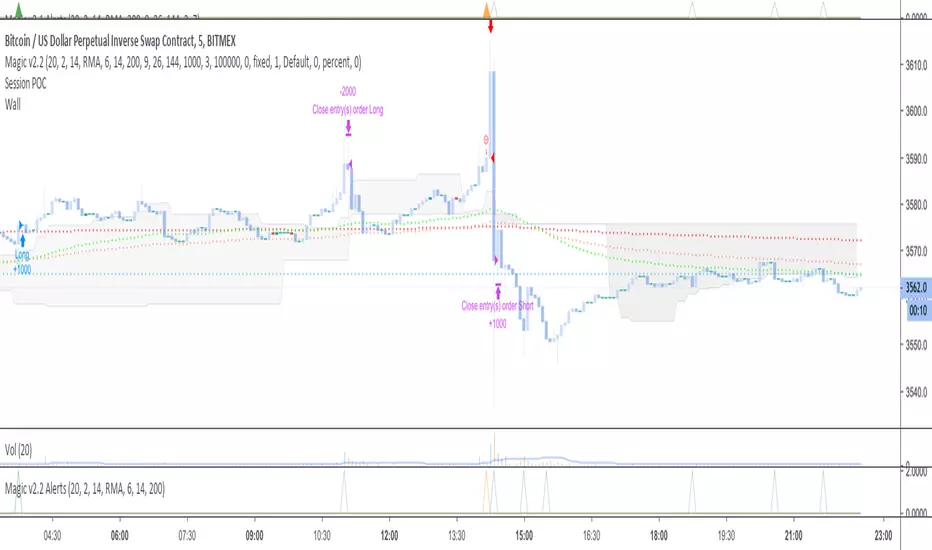
Alerts for Magic v2.1//HOW TO SET ALERTS
// 1 - Apply script to chart
// 2 - Click Alerts icon at the top toolbar
// 3 - Under "Condition", choose "Magic v2.1 Alerts" in the 1st dropdown menu
// 4 - In the 2nd dropdown menu under "Conditions", choose "Crossing Up"
// 5 - To the right of the "Value" dropdown menu, choose a value of "1"
// 6 - set remaining parameters below to your choosing (Options, Exp. time, Alert actions, Message)
// 7 - Click "Create" and the alert is set
DM me for access; not in comments.

THE PHOENIX v0.1 wSMD - ALERTSALERTS for PHOENIX v0.1 - DO NOT USE THIS SCRIPT UNLESS YOU ARE MARGING TRADING
--------------------------------------------------------------------------------------------------------
Implementation in TradingView of modified version of the "Weis Wave".
indicatior will generate Long and Close Long signals according to market trend.
(Learned the hard way that using short instead of close long to close long orders will seriously mess backtest results and create unrealistic expectations)
Added a customizable RATE OF CHANGE indicator that I called SMD (sideways market detection) to try and avoid trading on sideways market.
References: "Trades About To Happen" David H. Weis, Division 2 of the Richard D. Wyckoff Method of Trading in Stocks.
I've had best results on 2h and 4h charts, I would not recommend to go below 1h, my general rule is to run the backtest on regular candle and make sure the backtest gives goodd result, but I use the script with autoview on heikin ashi.
Backtesting: You can change the dates of the backtest as you please, the backtest runs with 1000USD and 100% of equity orders, 3 ticks slippage and 0.1% commission.
For Autoview users: Will upload LONG ALERT and CLOSE LONG ALERT studies separately as I find it easier to see whats going on on 2 seperate indicators.
NO, IT DOES NOT REPAINT.


Alerts v6The strategy includes:
✅ EMA-based trend direction (fast vs slow)
✅ RSI filtering for overbought/oversold control
✅ ADX confirmation for strong trend validation
✅ Pullback & BOS detection for precision entries
✅ Per-bar change logic for adaptive entry timing
✅ Session/day gating to control trading hours
✅ JSON alert integration for AI trading bots or webhooks
This script is Pine Script v6 compatible and optimized for automated alert-based trading setups such as AI trading bots, webhook systems, and VPS-linked executions.
Recommended Timeframes: 5m, 15m, 30m
Markets: XAUUSD, FX pairs, indices, and metals

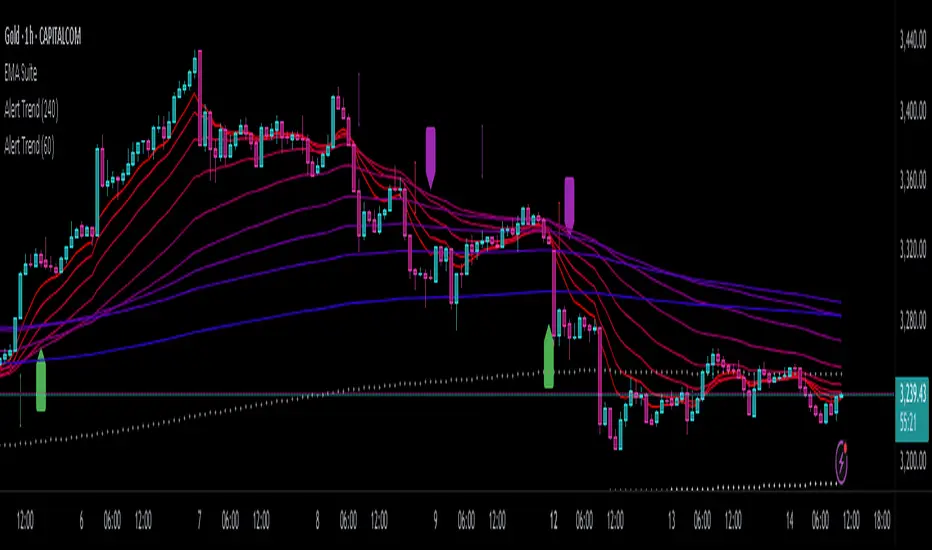
Alert TrendThis indicator is designed to function as a dynamic BIAS tool but can be adapted to various strategies depending on user needs.
Key Features and Integration:
Personally, I pair it with the "EMA Suite" indicator, as my strategy revolves around Fibonacci-based moving averages. The indicator uses EMA 55 and EMA 233 as trend references, triggering a trend shift when a candle closes fully above or below these levels. To maintain structural integrity, the EMA values are not user-configurable in the settings: adjustments require direct script modification (e.g., switching to EMA 50 and EMA 200, widely recognized reference levels), this ensures logical consistency for advanced users familiar with Pine Script.
Output Signals and Interpretation:
The indicator generates four distinct signals:
1. Uptrend: Candle closes above both EMA 55 and EMA 233.
2. Weak Uptrend: Candle closes above EMA 55 but below EMA 233.
3. Downtrend: Candle closes below both EMA 55 and EMA 233.
4. Weak Downtrend: Candle closes below EMA 55 but above EMA 233.
The area between the two EMAs represents a "complex zone" where price action contradicts higher timeframe trends. To resolve ambiguity, combine this indicator with a primary timeframe (e.g., H4) and a confirmation timeframe (e.g., H1). In smaller timeframes may also serve as entry signals, a feature currently under exploration for automation.
Alert System and Strategy Integration:
The indicator includes customizable alerts for all four signals collectively or individually, streamlining integration into Strategy scripts. This flexibility enhances adaptability for backtesting or live trading.
Critical Note:
Configure the indicator to display exclusively on the selected timeframe. Higher intervals fail to render all signals due to overlapping visualizations, distorting analysis. To resolve this, set the visibility parameter to "Visibility on intervals/Current interval and below" in the chart settings. This ensures clarity and preserves signal accuracy.
Development Status and Collaboration:
As part of an ongoing project, this tool is already integrated into my personal strategy. While functional and publicly shareable, further refinements are planned. Though not a professional developer, I utilize Deepseek for coding assistance and possess sufficient Pine Script literacy to oversee the logic. Feedback, suggestions, and collaborations are welcome to optimize its utility.
I hope this tool proves valuable to fellow traders navigating multi-timeframe analysis and trend confirmation.
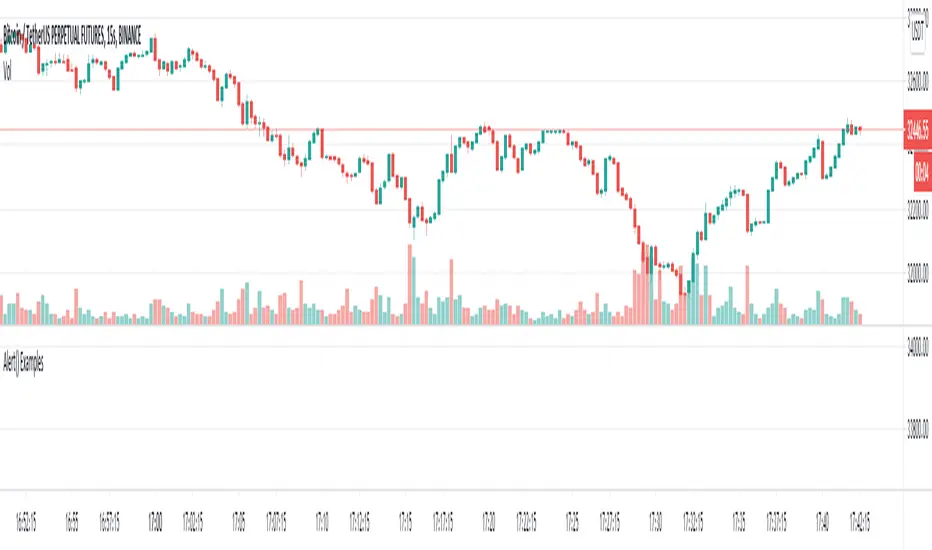
Alert() Example syntax builderToday Tradingview released a lovely new update that I am sure many are eager to play with.
Here is a little example script of how you can use this fantastic new update to include a built-in syntax builder for integration with Autoview into all your scripts going forward.
It is only configured for basic commands, but should be a great starting point for most, and at bare minimum a glimpse at the possibilties this latest update provides.
Add this to your chart and go to the settings to see all the options that can be configured.
Go ahead, fire some alerts and see how it all affects what is passed through the alert ready to hit the exchange.
[Alerts] Custom ORB with Target/StoplossThis Open Range Breakout (ORB) Indicator displays High, Low for the selected time frame.
Indicator Feature :-
Shows Long & Short signals based on the crossover.
You can use different alerts like Long, Short, Long-TP, Short-TP, Long-SL, Short-SL, Close
You can change Take profit points
Stop Loss will be low of breaking candle when Long signal is generated and high of breaking candle when Short signal is generated
Select Session time to get alerts only on that period
Select Square off and End Session to generate Close alert based on a specific time at the end of the day
In the future, I will Enhance and update this Indicator if needed
If you have any suggestion mention here
Thank you :-)

Strat-test ALERTSAlerts script, accompanying the "Strategy Tester EMA-SMA-RSI-MACD" script,
when you find a good strategy, you can use the same settings in this Alert script and
you'll have your alerts
Have fun!

Alert-QuarryLake Indicator Map - ATR Trend Following Strategy A lot of times I don't like my chart crowding with indicators, thus the reason for creating this script for my strategy QuarryLake.
This script also comes with alert.
Below is the explanation for QuarryLake
I have also updated the script in version 4.
This strategy consists of 3 indicators that I found works quite well together.
Keltner Channel, Waddah Attah Explosion, and Volatility Stop.
You can find WAE here
KC Period = 200
KCATR = 5
Vstop Period = 3
Vstop Mult = 1.5
Long when close > KC, close > Vstop, WAE trendUp
Short when close < KC, close < Vstop, WAE trendDown
Works well on BTCUSD XBTUSD, as well as other major liquid Pair.
Feel free to follow me on Twitter @Lancelot_Auger for more free Alpha.
Please acknowledge my effort by like and follow.
And lastly,
Save Hong Kong, the revolution of our times.

Alerts IndicatorThe Alerts Indicator looks to highlight areas of importance during a trend. Become aware when the trend could be ready to plateau for a while or when a top could be forming. The alert markers can be used to tighten your trailing stop, remove a portion of the trade, or be used as an indication to remove the position entirely.